
Utilities
Screenshot Organizer & Cleaner
Every screenshot you meant to deal with later, sorted.
Screenshot Organizer finds the screenshots in your camera roll, reads them and sorts them on your iPhone: receipts, boarding passes, recipes, memes, documents and chats. Nothing is uploaded.
- Search the words inside every screenshot
- Automatic categories: receipts, flights, recipes, memes and more
- Clean up duplicates and expired screenshots
Available for iPhone.
What it does
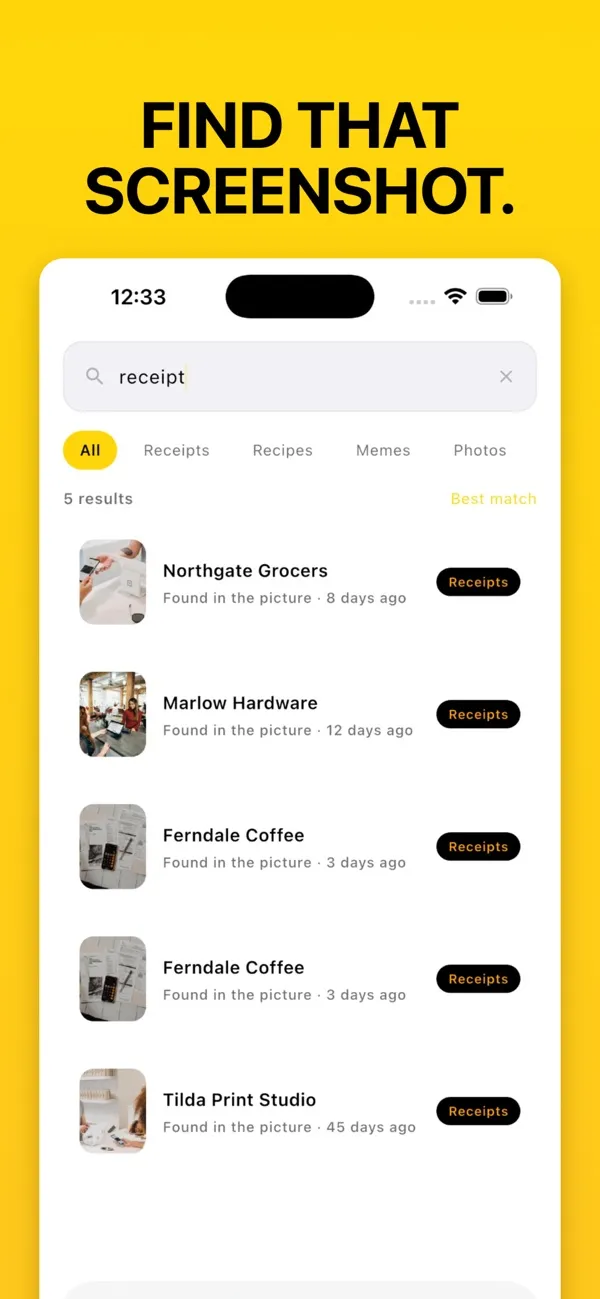
Find any screenshot by what is written in it.
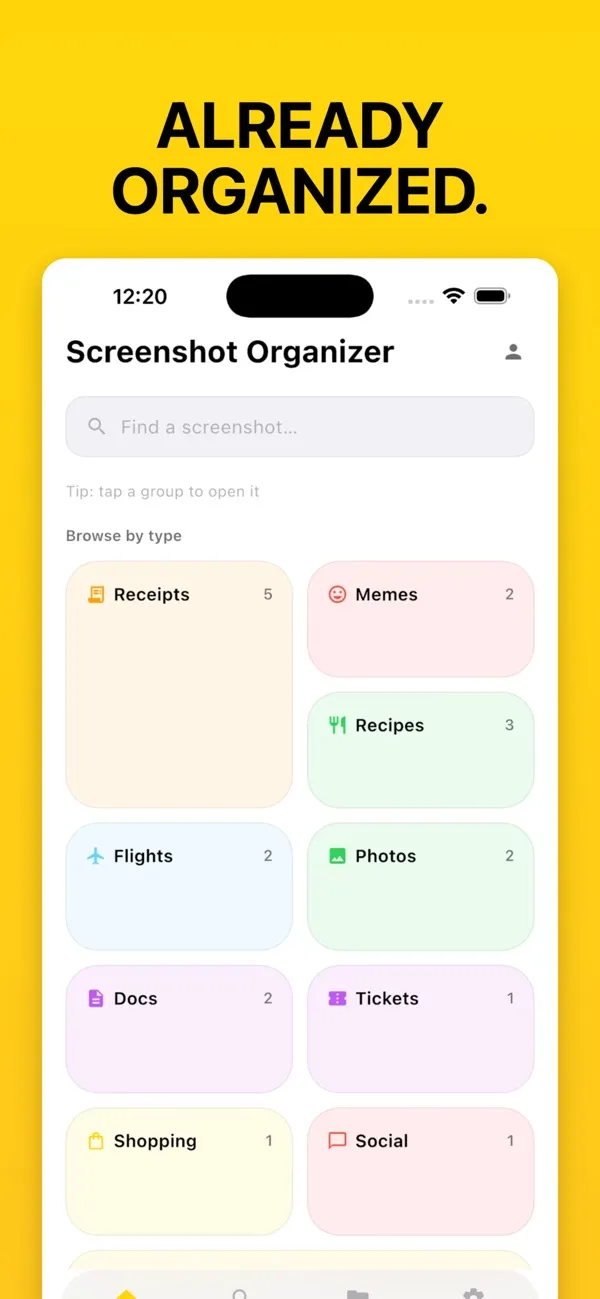
Sorted automatically
Receipts, memes, recipes, boarding passes, documents, QR codes, chats, money and maps are categorised as your library is scanned. New screenshots are picked up every time you open the app.
Search every word
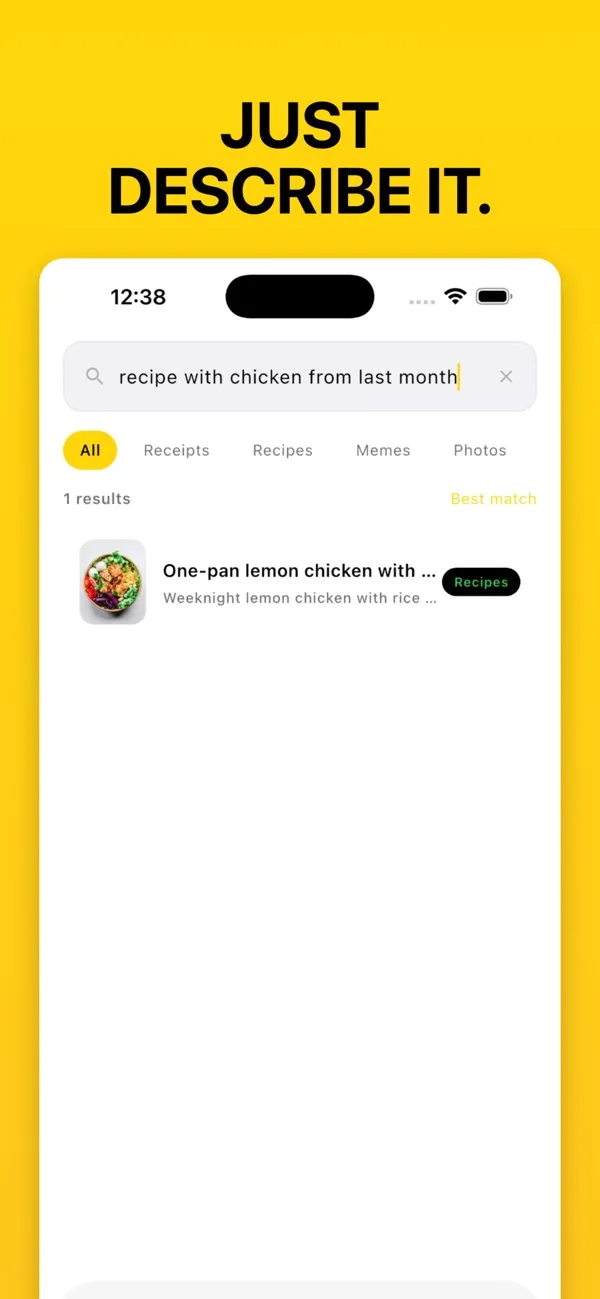
On-device OCR reads the text in each screenshot: merchants, amounts, flight numbers, names, order IDs and tracking codes. Pro adds natural-language search, such as “recipe with chicken from last month”.
Clean up duplicates and expired clutter
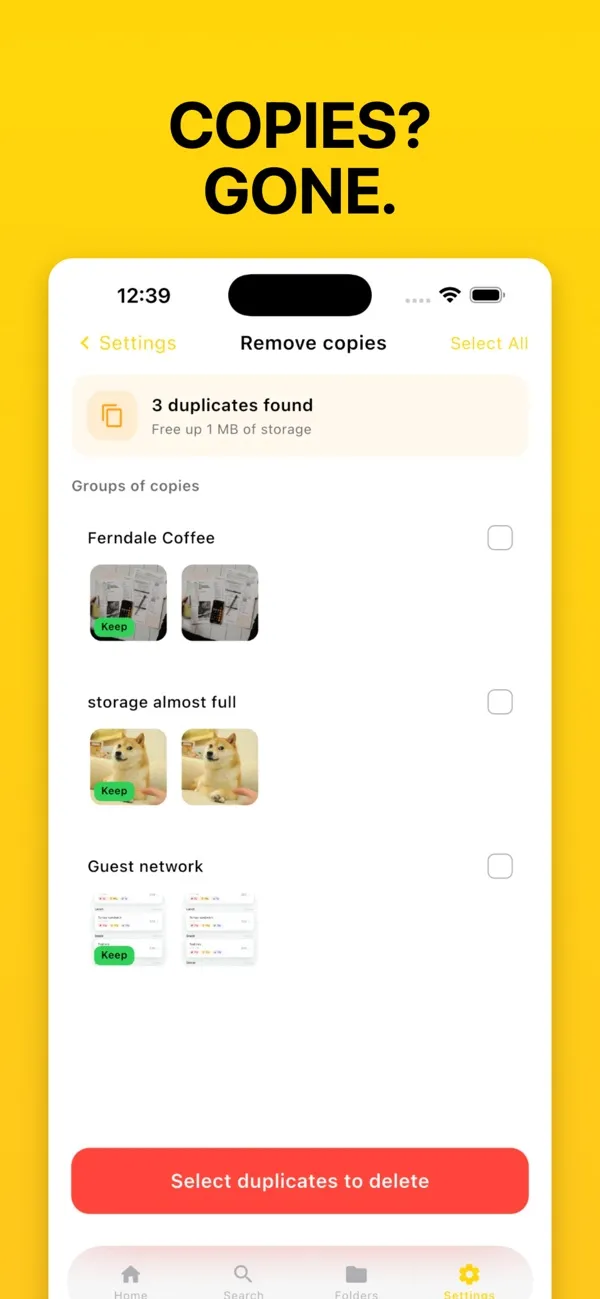
Find copies (they must match in both text and size) and expired screenshots such as old boarding passes and tickets, and see how much storage you get back before deleting.
Smart folders
Create rules like “Receipts over $50” or “Flights this month” and the folders keep themselves up to date.
Private by design
OCR, classification and search run on your iPhone. There is no cloud account and no upload step, so your screenshots stay on your device.
Widgets and share extension
Recent Grab and Monthly Recap widgets on the Home Screen, and a share extension to send screenshots in from Photos, Safari or any app.
In the app
Just describe it
Already organized
Copies? Gone.
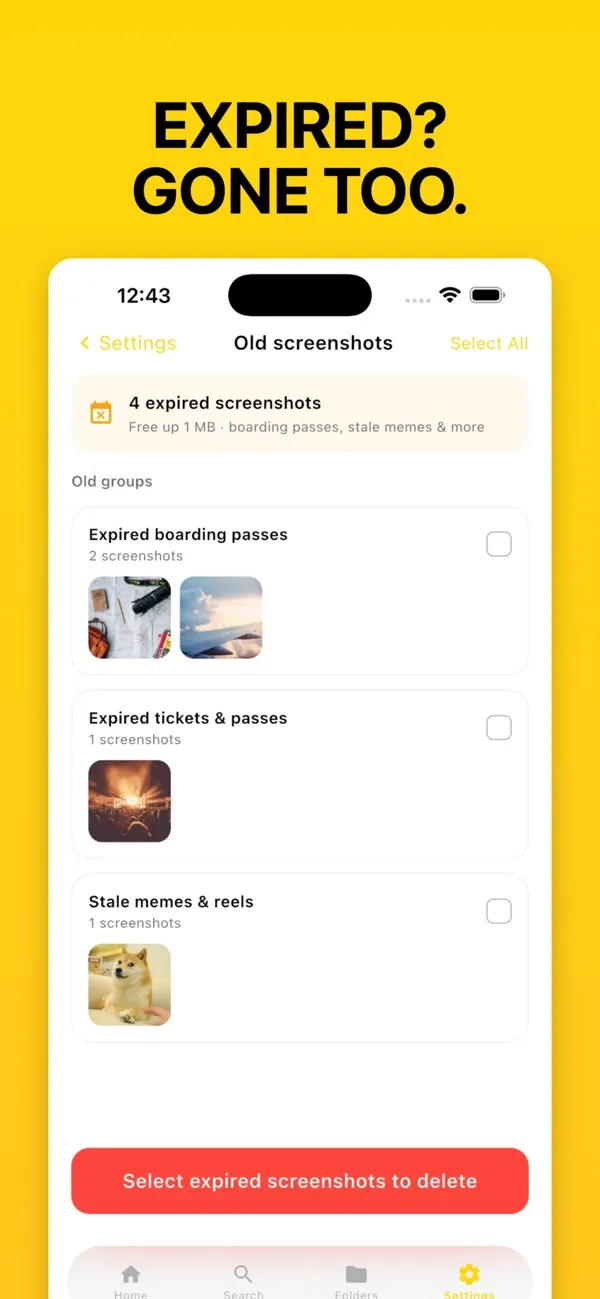
Expired? Gone too.
Utilities
Screenshot Organizer on your iPhone.
Available for iPhone.
Questions
Good to know
Is Screenshot Organizer free?
Yes. Free covers scanning and browsing, on-device OCR and full-text search, automatic categories, up to 3 smart folders, cleanup with up to 10 deletes per run, widgets and the share extension. Pro adds unlimited smart folders, bulk cleanup, semantic search, learning from your corrections and optional iCloud sync. A lifetime purchase is also available.
Can I search the text inside my screenshots?
Yes. Every screenshot is read with on-device OCR, so you can search for a merchant, amount, flight number, name or order ID and find the screenshot that contains it.
Are my screenshots uploaded?
No. OCR, classification and search run on your iPhone. There is no cloud account and no upload step.
How do I delete duplicate screenshots on iPhone?
Open the cleanup screen: Screenshot Organizer groups copies that match in both text and size, shows how much storage you will free, and lets you keep one and delete the rest. The free version deletes up to 10 per run; Pro does it in bulk.
Which iPhones does it support?
iPhone with iOS 15.5 or later. Smart titles and summaries need a device that supports Apple Intelligence.